From sketch
to 3D character.
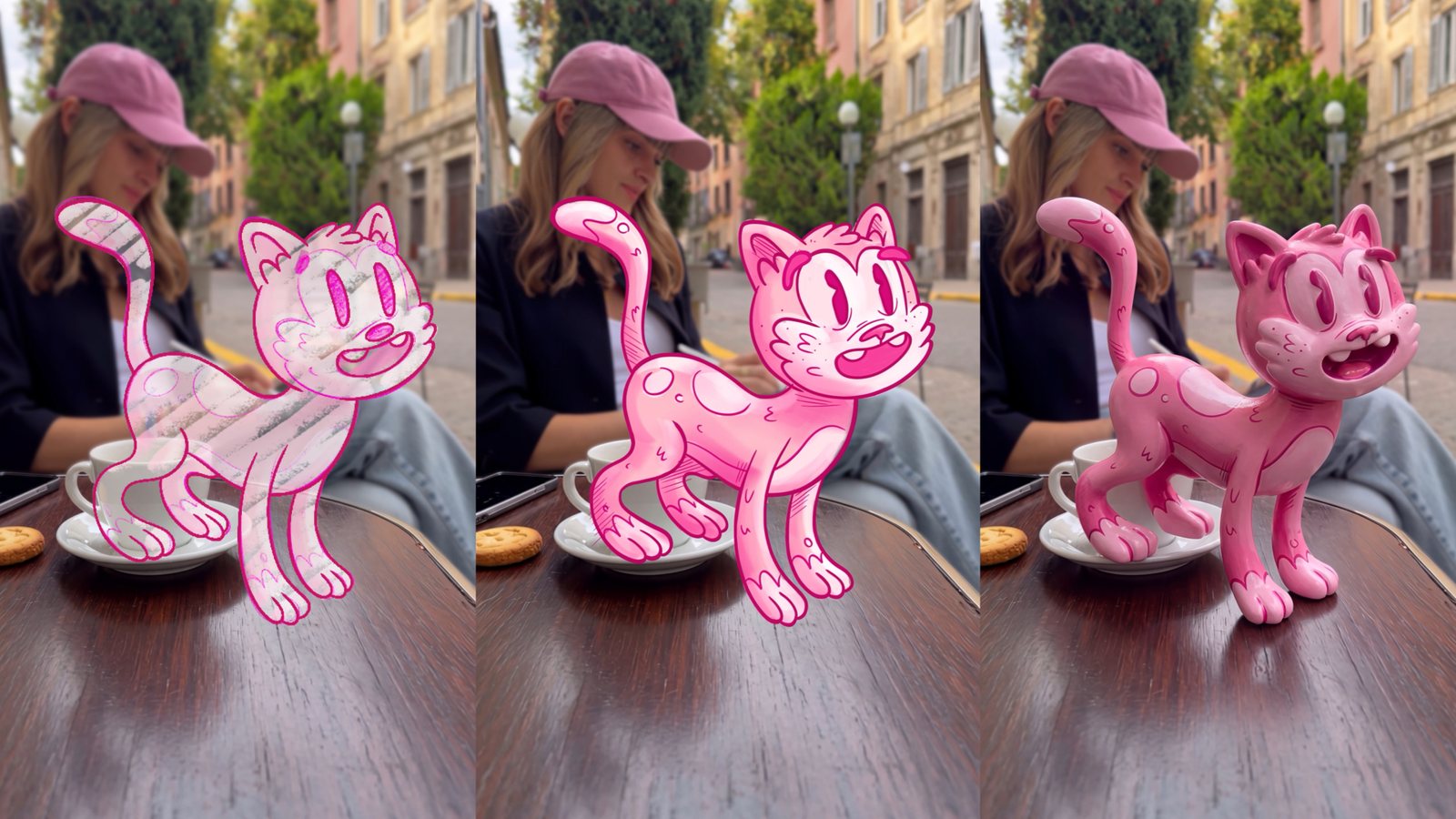
Draw your character, let an image model like GPT Image, Nano Banana or Seedream turn it into a real 3D figure, then bring it to life with Seedance or Kling. Your drawing, your style, your shot.
Step by step.
01Draw your character
ProcreateDraw your character in Procreate or any drawing app. Either on a plain background, or right on top of a still from your video, exactly where it should stand: on the table, the floor, a shelf. A character that touches a surface looks much more real in 3D.
Color it in if you like. The colors you pick become the colors of the 3D figure. Then export your drawing as one image.
02Turn the drawing into 3D
Image modelUpload your drawing to an image model like GPT Image, Nano Banana or Seedream and send this short prompt:
Change the style of the illustrated character to a 3D rendering. Keep the pose, proportions, expression and everything around it exactly as it is.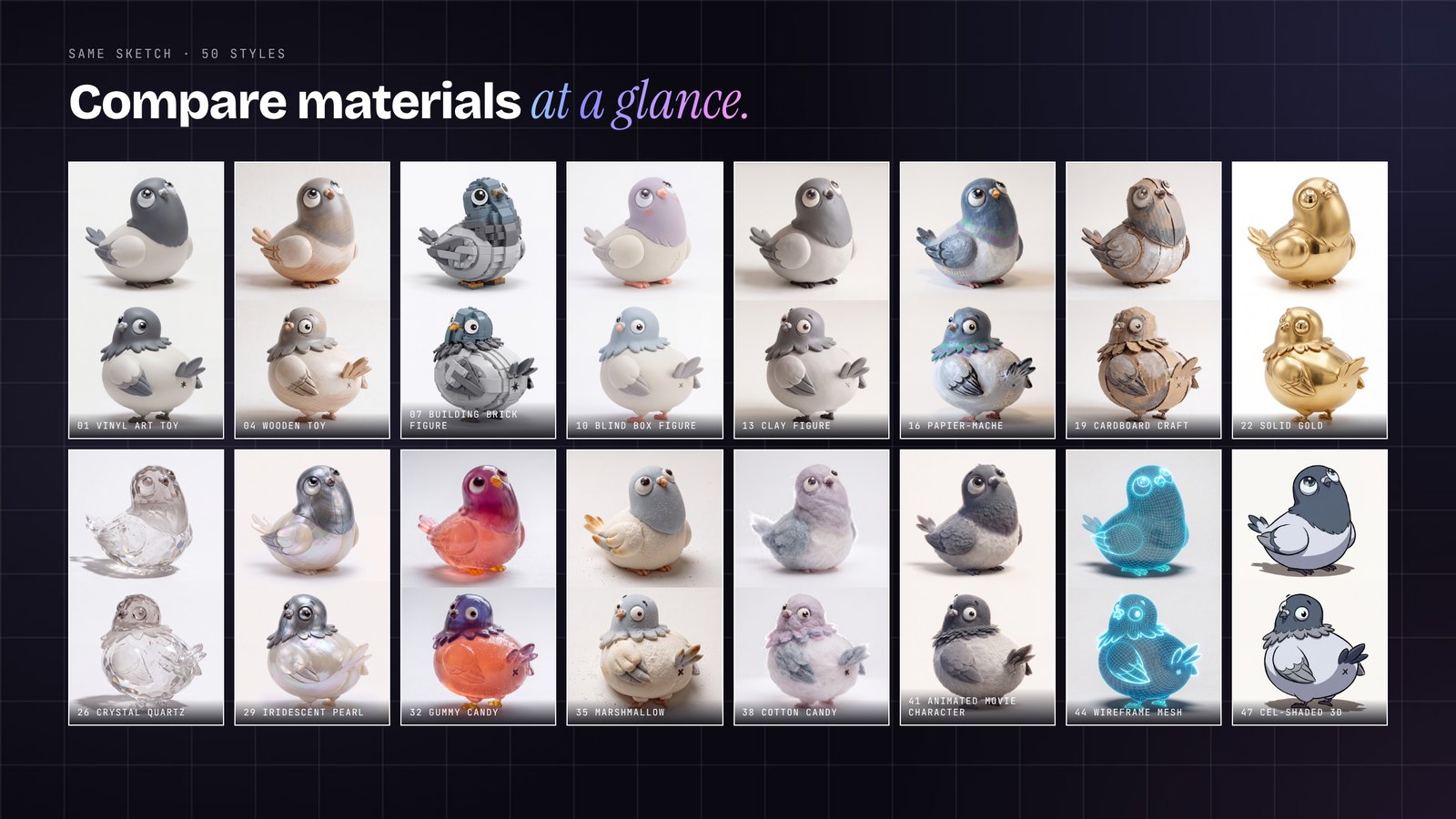
03Bring it to life
Seedance · KlingUse your 3D still as the start frame in Seedance or Kling and describe one clear action. Keep it simple: one movement, a locked camera. For the reveal from drawing to 3D, use the drawing frame as start and the 3D still as end frame:
The first image is the start frame, the second image is the end frame. The hand-drawn character inflates into its 3D version in one smooth pop: the drawn lines stay in place and grow into real volume, the figure gains weight and settles onto the surface with a tiny bounce. The rest of the scene stays exactly as it is. Locked static camera, no camera movement at all.The 3D character walks forward toward the camera with small, bouncy steps, comes close to the lens and stops, looking straight into the camera with a big happy smile. Natural weight and contact with the surface, real shadows following the movement. Everything else in the scene stays as it is. Locked static camera.The 3D character turns its head toward the person in the background, blinks, smiles and gives a small happy wiggle, then looks back into the camera. Subtle, natural movement with weight. Everything else in the scene stays as it is. Locked static camera.If the character changes its look during the clip, shorten the action. One clear movement per clip works best, you can cut several clips together afterwards.
A similar workflow on YouTube.
Join the
Newsletter.
Get new AI tutorials, workflows and tool tips first, plus the free Image to Prompt Analyzer and the Top Creative AI Tools list.