Your website,
redesigned in one prompt.
Save your site as one HTML file, pick one of four master designs and let Gemini 4 Argon rebuild it from scratch. Your content stays, the look is brand new.
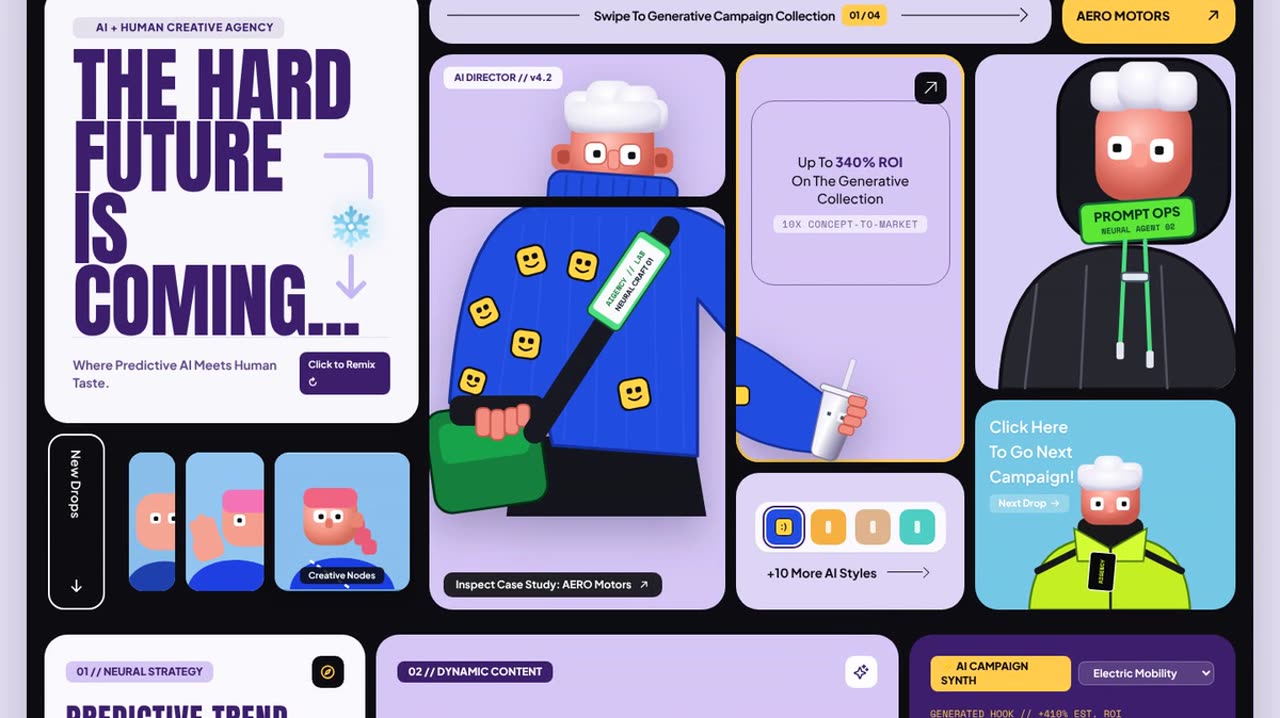 Video coming soon
How it works
Step by step.
01Save your site as one HTML file
Your websiteOpen your website in Chrome, right-click anywhere and choose View Page Source. Select everything (Cmd + A), copy it, paste it into a plain text file and save it as an .html file.
Any site works, even one made with a website builder. Gemini only needs your content and structure.
02Download a master design
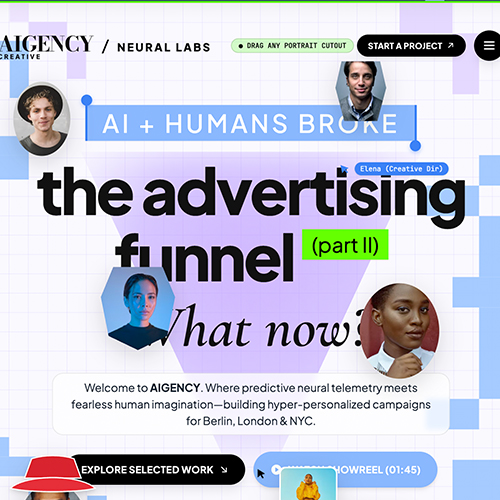
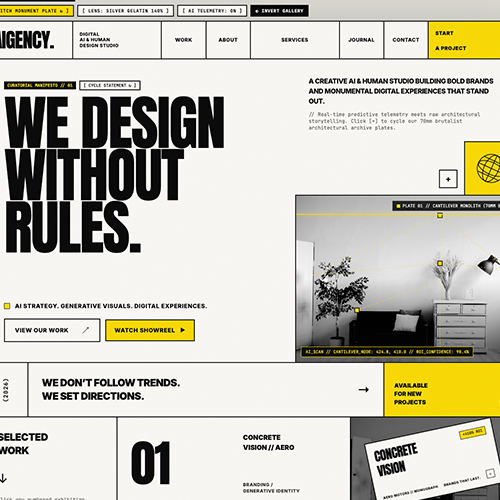
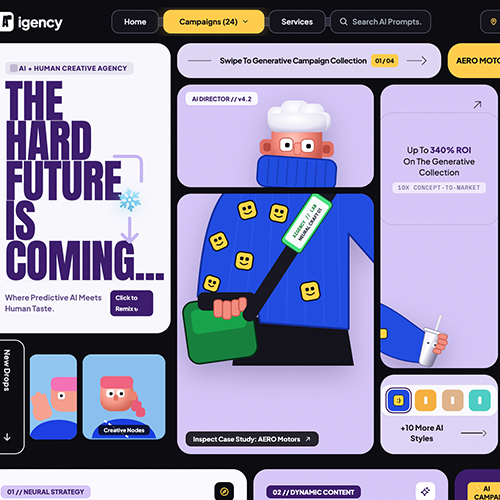
Master designPick one of the four styles and download its .md file: Go to the four styles ↓
03Upload both files and paste the prompt
Gemini 4 ArgonStart a new chat with Gemini 4 Argon. Upload your .html file and your master design file, then paste this:
Take this HTML and redesign it from scratch based on the MD file with the master design.Note: Use one master design per chat. Mixing two styles in one conversation blurs both.
04Open it and refine in plain words
PreviewGemini answers with one complete HTML file. Save it as .html and open it in your browser to see the new site.
Then keep talking: "slower grid animation", "use my logo in the nav", "make the headline shorter". Small, specific requests work best.

Pro TipTry the same HTML file with all four master designs. Seeing your own content in four styles is the fastest way to find a direction.
Download a style.
Join the
Newsletter.
Get new AI tutorials, workflows and tool tips first, plus the free Image to Prompt Analyzer and the Top Creative AI Tools list.