Workflow · Video
3D captions with
one prompt.
Make the words you speak appear as animated typography in the space around you, using Google Flow, step by step.
Workflow · 4 Steps
Step by step.
01Start in Google Flow
SetupGo to Google Flow and choose the Omni Flash model. Then upload a video of yourself.
02Bring your words into 3D space
PromptEnter this prompt to make your spoken words appear animated in the space around you:
PromptClick to copy
Animate the words she is saying in 3D space around her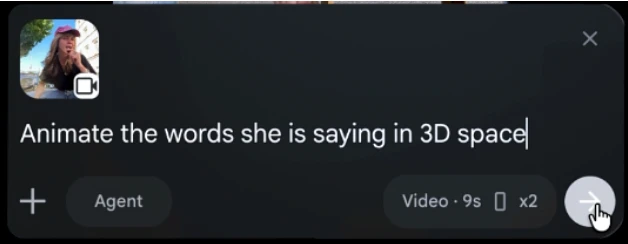
03Change the animation style
Style VariationYou can also change the design and animation style. Try this prompt for a typewriter-style caption look:
PromptClick to copy
Animate the words she is saying as captions in a typewriter animation style04Match your own type design
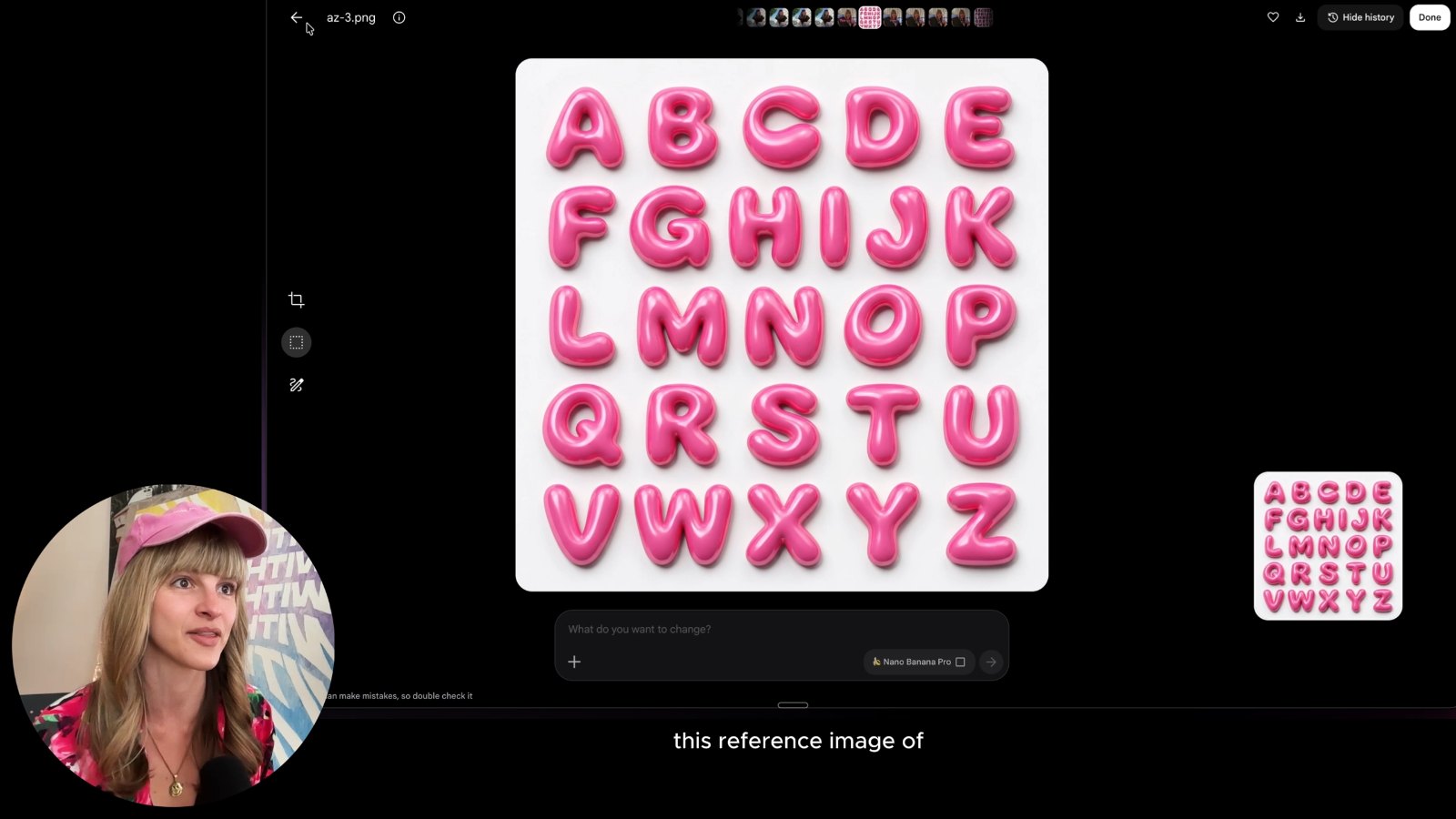
Full ControlWant more control? Upload an image of your type designs additionally, then enter this prompt so the animation matches your lettering:
PromptClick to copy
Animate the words she is saying in 3D space in the style of the letters in the reference image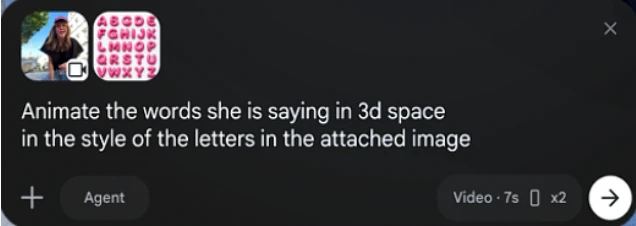
Free Newsletter · 1,000+ Creators
Join the
Newsletter.
Get new AI tutorials, workflows and tool tips first, plus the free Image to Prompt Analyzer and the Top Creative AI Tools list.